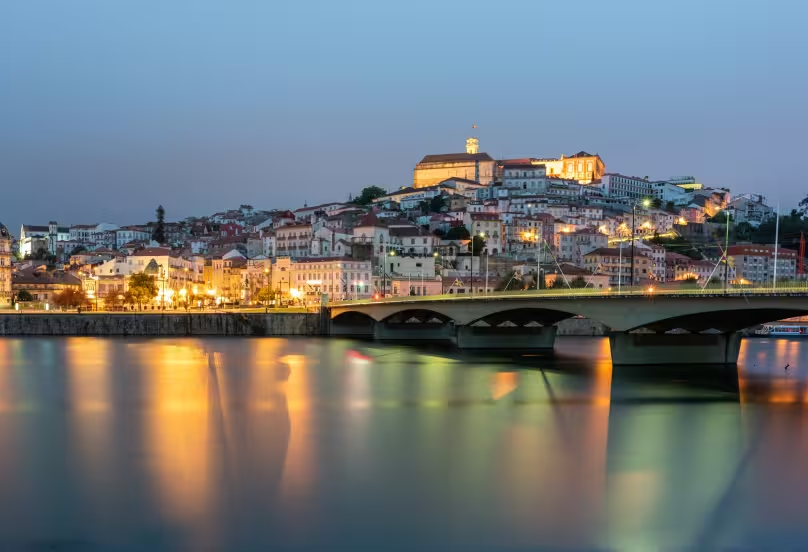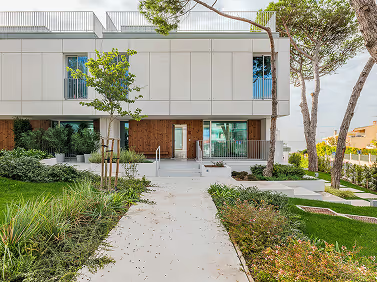
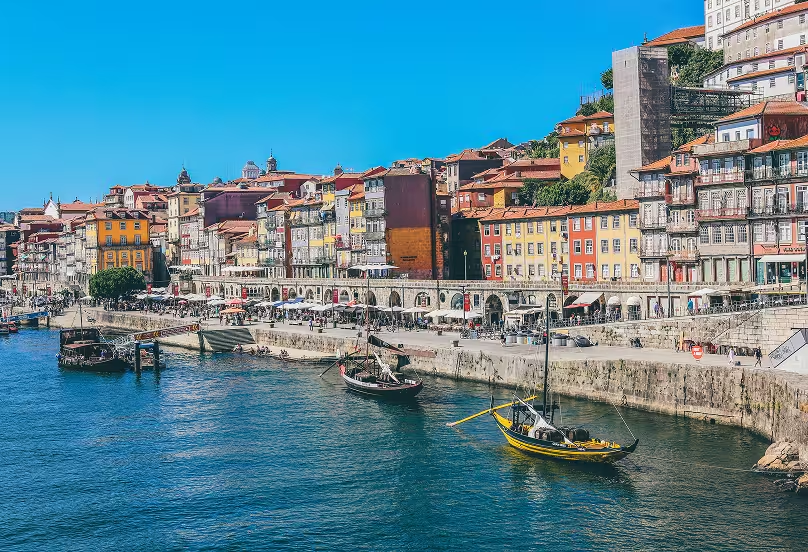
Welcome to Porto
Porto, known for its port wine, is a city that combines tradition and modernity. With its stunning riverside and vibrant neighborhoods, Porto offers a unique living experience. Our dedicated team is here to assist you in finding your dream home in this beautiful city.
Why Porto?
- Rich Cultural Heritage
- Stunning Architecture
- Vibrant Nightlife
Let us help you make Porto your new home.
Table of content
Узнайте больше о других регионах
Еще больше практических руководств и информации о местных особенностях
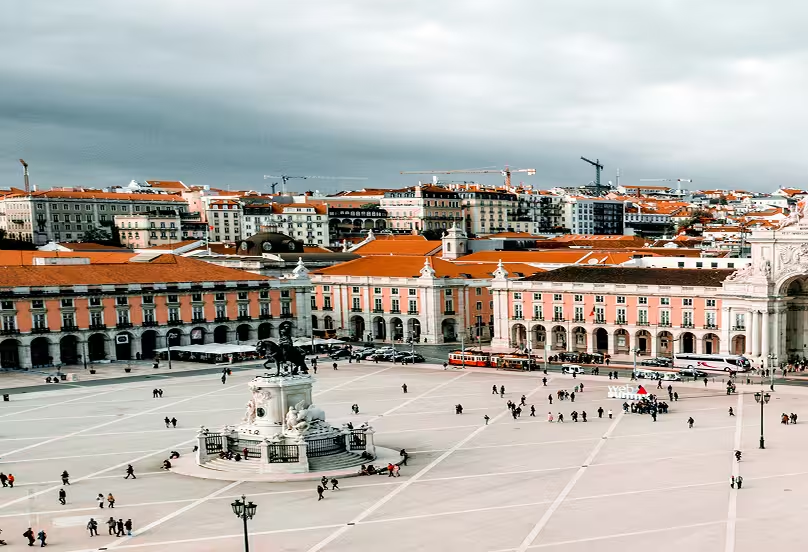
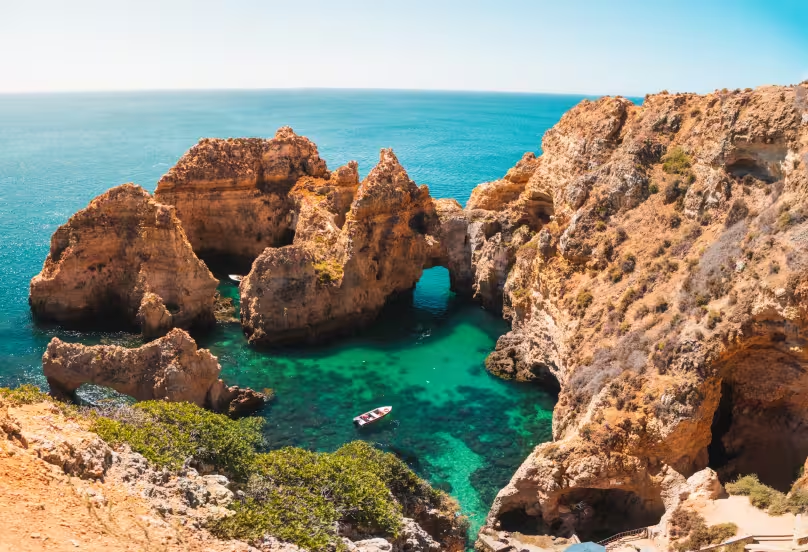
Explore the Algarve: Property Prices, Rent, Cost of Living and Where to Live in 2026
Experience the beauty of the Algarve with our expert guidance.